
Listing basics
7 things to check before publishing a product listing
A clear checklist for titles, images, details and pricing.
By Rocket Listing TeamUpdated 5 min read

Key takeaways
- A weak listing costs you views, trust and sales, and it is easier to get right before you publish than to fix later.
- Check seven things: title, category, images, product details, description, price and keywords.
- Always confirm your marketplace's current rules for titles and images in your seller panel.
- Run your price through a profit calculator so the listing makes money, not just sales.
Once a listing is live, every mistake costs you something: a shopper who scrolls past, a return because the product was not as described, or a rejection that delays your launch. Spending ten minutes on a checklist before you hit publish is the cheapest way to avoid all three.
Use these seven checks on every new product, whether you sell on Meesho, Flipkart, Amazon or all three.
1. Is your title clear and specific?
Your title is the first thing a shopper reads and the main thing a marketplace search reads. It should say, in plain words, what the product is and the details that matter most to a buyer, with the most important words first.
| Weak title | Stronger title | Why it is better |
|---|---|---|
| Best new stylish kurti latest | Cotton Kurti for Women, Printed, Straight Fit, Size M-XXL | Says what it is, the material, the fit and the sizes |
| Phone stand good quality | Foldable Aluminium Phone Stand for Desk, Adjustable, Black | Names the type, material, use and colour |
Do not repeat words or add claims you cannot back up. Our guide on choosing keywords without stuffing your title shows how to do this well.
2. Is the product in the right category?
A product in the wrong category can be rejected, hidden from the shoppers who would buy it, or shown the wrong attribute fields. Choose the most specific category that genuinely fits, and check that the attributes you are asked to fill match your product.
3. Do your images show the product clearly?
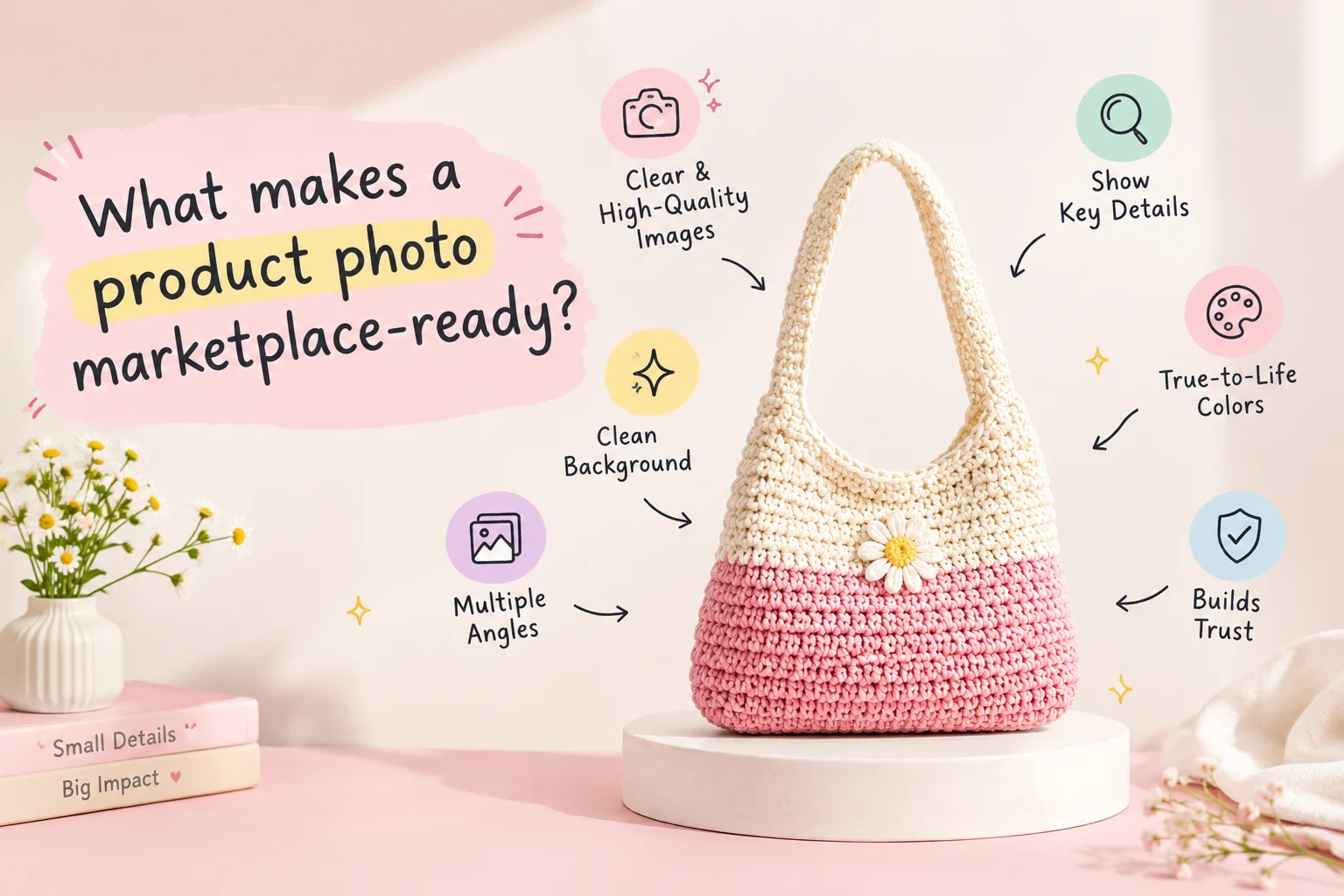
Shoppers cannot touch your product, so the images do the selling. Make sure the main image is sharp, well lit and shows the whole product, then add more angles, a close-up of the material or texture, the product in use and a size chart where relevant.
- Show the real colour. A photo that looks different from the product causes returns.
- Avoid clutter, extra props and anything that could be mistaken for part of the product.
- Check your marketplace's current image rules for your category before you upload.
For more detail, read what makes a product photo marketplace-ready, or try the Image Studio to clean up a phone photo.
4. Are all the product details complete and accurate?
Fill in every attribute the marketplace offers: material, size, colour, pattern, pack quantity, weight and dimensions, care instructions and so on. Complete details help shoppers filter and find your product, and accurate details mean fewer returns because the product matches what they expected.
5. Does the description answer buyer questions?
Imagine the questions a shopper would ask in a shop: What is it made of? Will it fit? How do I care for it? What is in the box? Answer them in short lines or bullet points. A description that is easy to scan builds trust and reduces questions and returns.
6. Is the price right after fees and returns?
A price that looks competitive can still lose money once marketplace charges, GST, returns and ads are counted. Before you publish, run your numbers through the free profit calculator, or the calculator for your marketplace: Meesho, Flipkart or Amazon.
7. Are your keywords in the right places?
Use the words shoppers actually search for in your title, description and attributes, but keep everything readable. Choose a primary phrase that matches your product, add two or three relevant details, and put extra phrases in the description rather than forcing them into the title.
Your quick pre-publish checklist
- The title says what the product is, in clear words, with no repeated or unrelated keywords.
- The category and attributes match the product exactly.
- The main image is sharp and clean, and there are extra angles, a close-up and a size chart if needed.
- Every product detail is filled in and accurate, including size, material, colour and pack quantity.
- The description answers the questions a buyer would ask.
- The price leaves a healthy profit after fees, GST, returns and ads.
- Keywords are natural and relevant, with no stuffing.
If you list many products, a repeatable process saves hours. Rocket Listing's automation remembers your listing steps so you can fill the same fields for the next product, and the Listing Optimizer gives your listing a score and tells you what is missing before you publish.
Quick answers
Frequently asked questions
What is the most common reason a product listing gets rejected?
Common reasons include the wrong category, unclear or non-compliant images, details that do not match between the title, images and attributes, and restricted or infringing products. The exact rule depends on the marketplace, so always read the reason shown in your seller panel and follow its current guidelines.
How long should a product title be?
Each marketplace sets its own limits and recommendations, so check yours in the seller panel. Aim for a title that is clear and complete rather than as long as possible: the product type first, then the details that matter to a buyer.
Should I copy a competitor's listing?
No. Copying text or images can break marketplace rules and copyright. Use competitor listings to learn what shoppers expect to see, then write your own title, description and photos.
How can I check my listing quickly before I publish?
Go through the seven checks above, and use a tool such as the Rocket Listing Listing Optimizer to see a listing score and what is missing. Always review the final listing yourself before publishing.
More seller guides

Keywords
How to choose useful keywords without stuffing your title
Match shopper language while keeping your listing easy to read.
Images
What makes a product photo marketplace-ready?
Simple ways to make your product clear and trustworthy.

Profit
How to calculate profit per order on Meesho, Flipkart and Amazon
A step-by-step way to find your real profit on every order.